Developing a WordPress theme from scratch
This tutorial was just an introduction to theme development, to show you how to Developing a WordPress theme from scratch.

This tutorial was just an introduction to theme development, to show you how to Developing a WordPress theme from scratch.
Making a theme for WordPress is easier than ever with a ton of tutorials, guidelines … Today we have a few amazing tips for you to help you boost the developing WordPress themes process. It covers several tips and tricks that will make you a better theme developer.
When you write a post, you will find the way to set a featured image of post, that’s aweasome feature to make your website more attraction. In this short tutorial I am going to display and explain the code for getting the Featured Images to fit your needs.
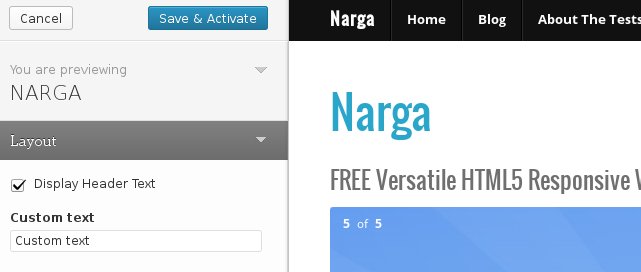
The Theme Customizer was introduced since WordPress version 3.4 then it’s become a relatively new way of WordPress Themes to provide you with options. It allows for an editing environment where theme options can be tried by the administrator before being applied to the live site. In this tutorial, we will look at exactly how this feature can be added to a theme and I show you how to create your own classes to extend the controls to make your own Customizer Custom Controls, since not all fields and requests are in the core already. You can access existing solutions of the community or create your own classes.
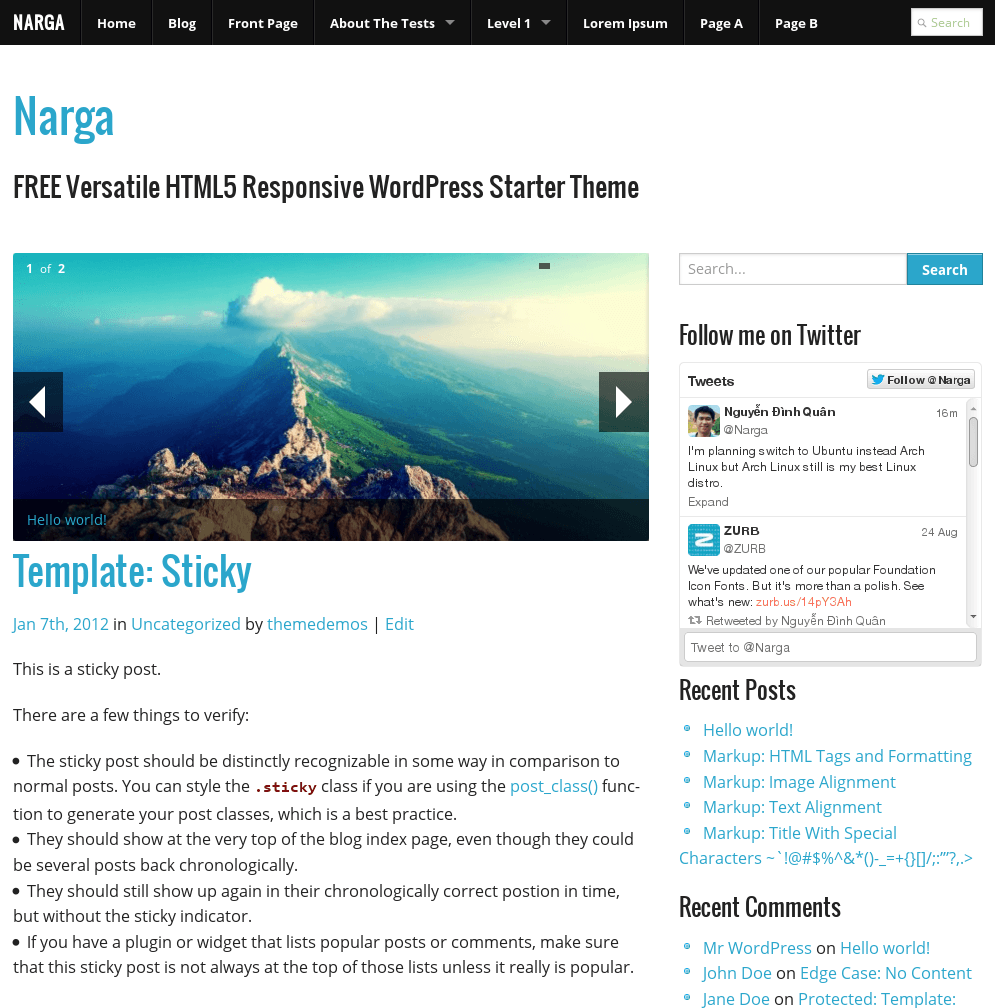
HTML5 Responsive WordPress Starter Theme named NARGA using on ZURB’s Foundation CSS, a powerful tool for building prototypes on any kind of devices. NARGA supports child-theme so it’ll help you do amazing things faster & easier than ever before.
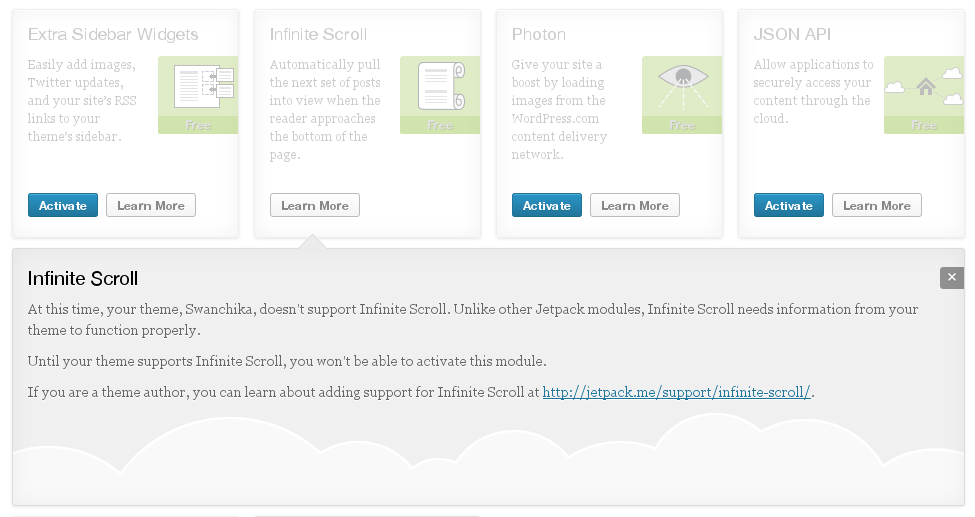
The Infinite Scroll module in JetPack detecting when a user gets to the bottom of a page that contains a list of posts and automatically checks for and loads in the next lot of posts instead pagination. Unlike many of the modules already in Jetpack, Infinite Scroll only works with themes that support it.
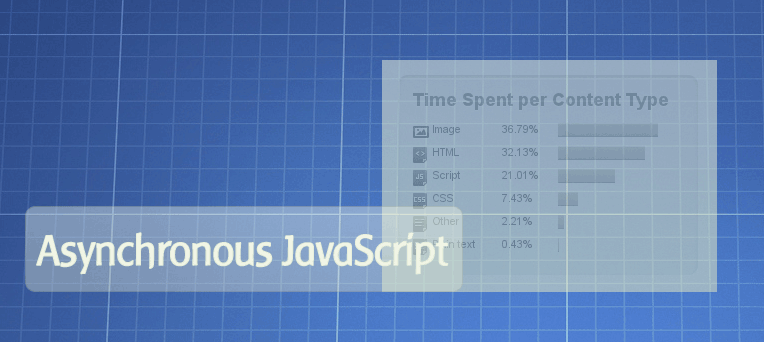
Social buttons are most common methods to sharing your post to social networks like Facebook, Twitter, Google+. But after added your favourite social network script, be it like buttons or twitter widgets to your site or blog and then you notice that the load time of you page went drastically down. What happened?
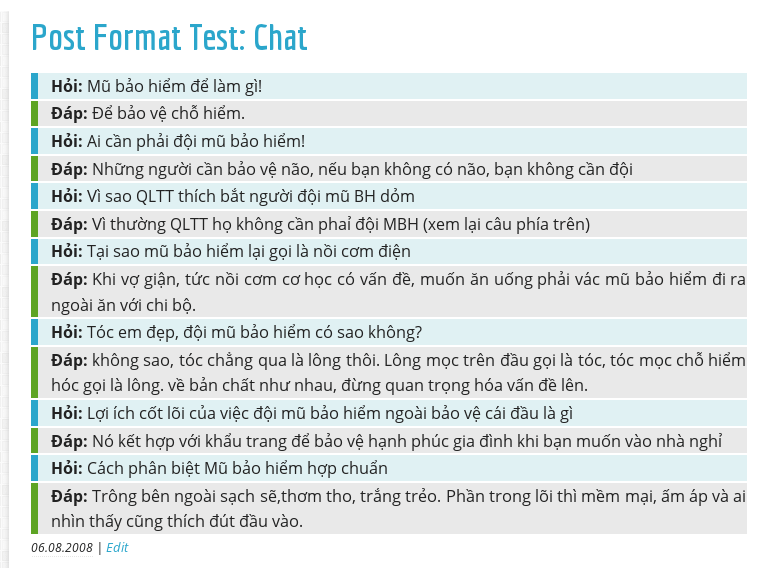
I know that when post formats first came out, the “Chat” format was always one I didn’t really know how to handle. How does the user input the chat into the content of the post? How do we display it?
I recomment you using post’s excerpt in the loop of post instead full content with more tag because you can introduting about your post better than automatic teasing a part from the content. Your post will be look more appealing.
By default, WordPress display the post content in loop with the_content() function in theme files, so your custom excerpt will not display as you want on the homepage (or blog page) without editting it. We can tell WordPress using the Excerpt instead the teaser by filter the_content() with your custom function in functions.php.
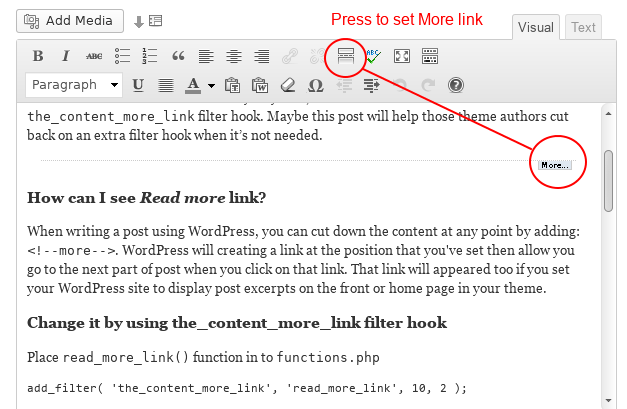
Sometimes, when you crafting your themes, you will need to change the WordPress Read more link/text of the post loop that appeared on the homepage like See more…, View more … … and somethings similar. The easiest way to do it by direct change it throught index.php or in the loop function.
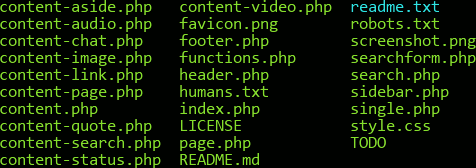
There are many ways of including files in a WordPress document, however using WordPress’s built-in get_template_part(); function will help keep your files organized and clean by using a common WordPress taxonomy and structure. It simplifies your theme files and speeds up the development process by not having to constantly rewrite code.
Just a moment! We use cookies to analyse our traffic and to personalise ads that keep this site free. By continuing to browse, you agree to their use. Sound good?